Previous numbers in context
See what you did last time without leaving the active workout.
Fast, focused lifting log
LIFTL is a fast lifting log for people who care about their training but do not want to manage a bulky app between sets. Your previous numbers stay close, the rest timer starts itself, and every logged workout builds useful history.
Product facts reviewed
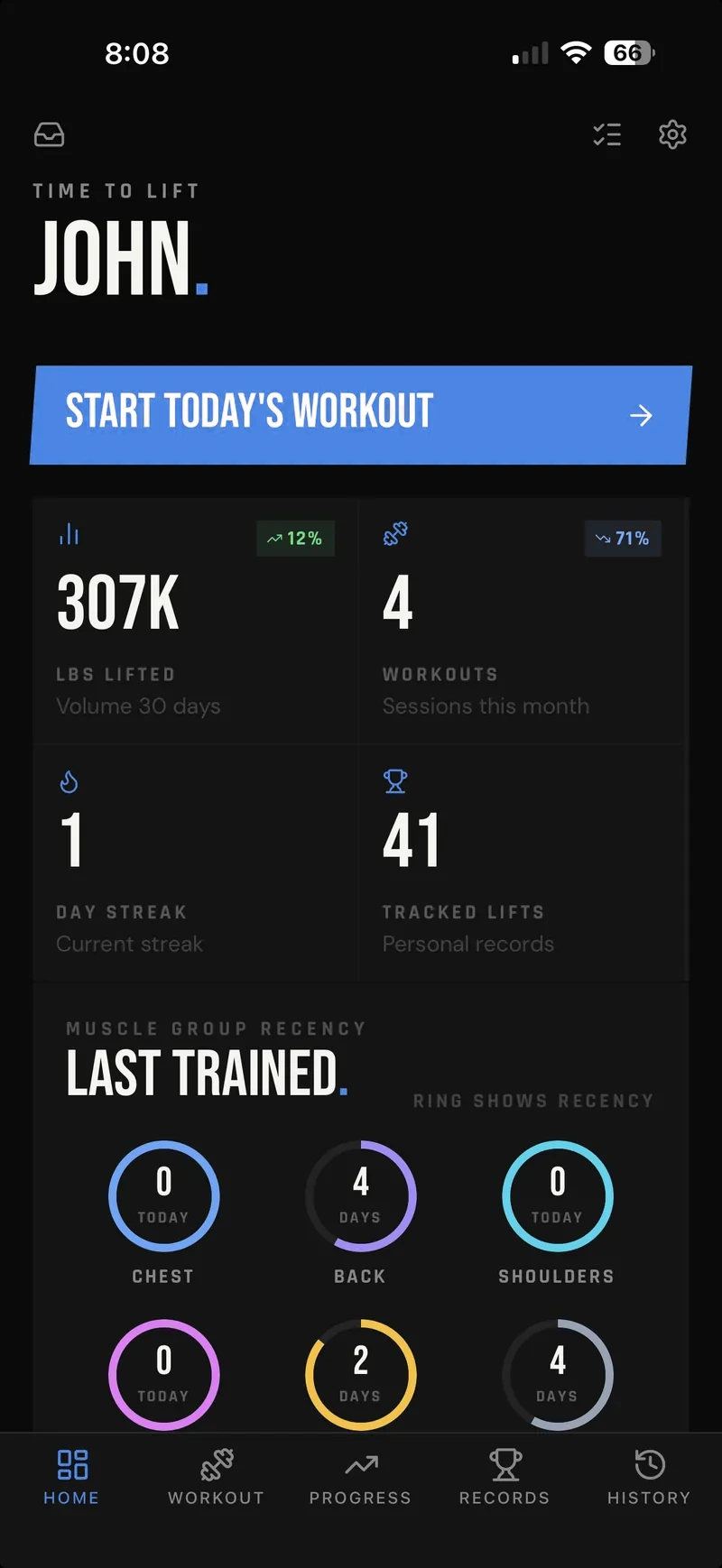
Less screen time between sets
See what you did last time without leaving the active workout.
Start the countdown after logging a set, with a default you can adjust inside the current workout.
Repeat a planned workout or begin an unplanned session without setup friction.
Take a closer look at how LIFTL keeps previous workout numbers in context and starts and controls the rest timer while you train.
For the start of the session, compare saved workout templates and Quick Start.
After the workout, explore the advanced lifting analytics built from your history.
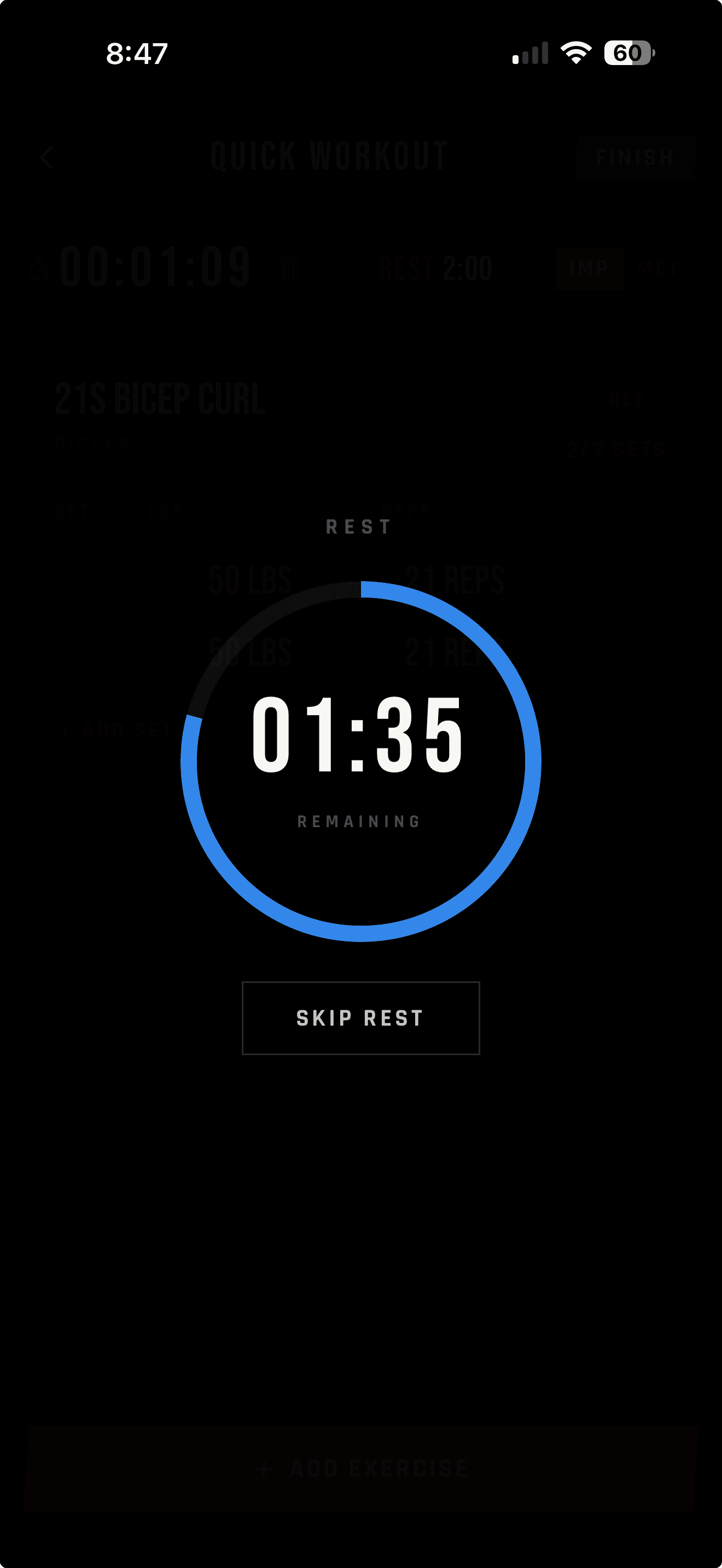
What fast means in the gym
Enter weight and reps inside the active workout. LIFTL keeps the previous workout in context and can begin the right rest timer as soon as the set is logged.
Saved templates cover planned sessions. Quick Start covers the days when you walk in without one. The workflow stays focused on recording the work—not telling you how to train.
Useful after the workout
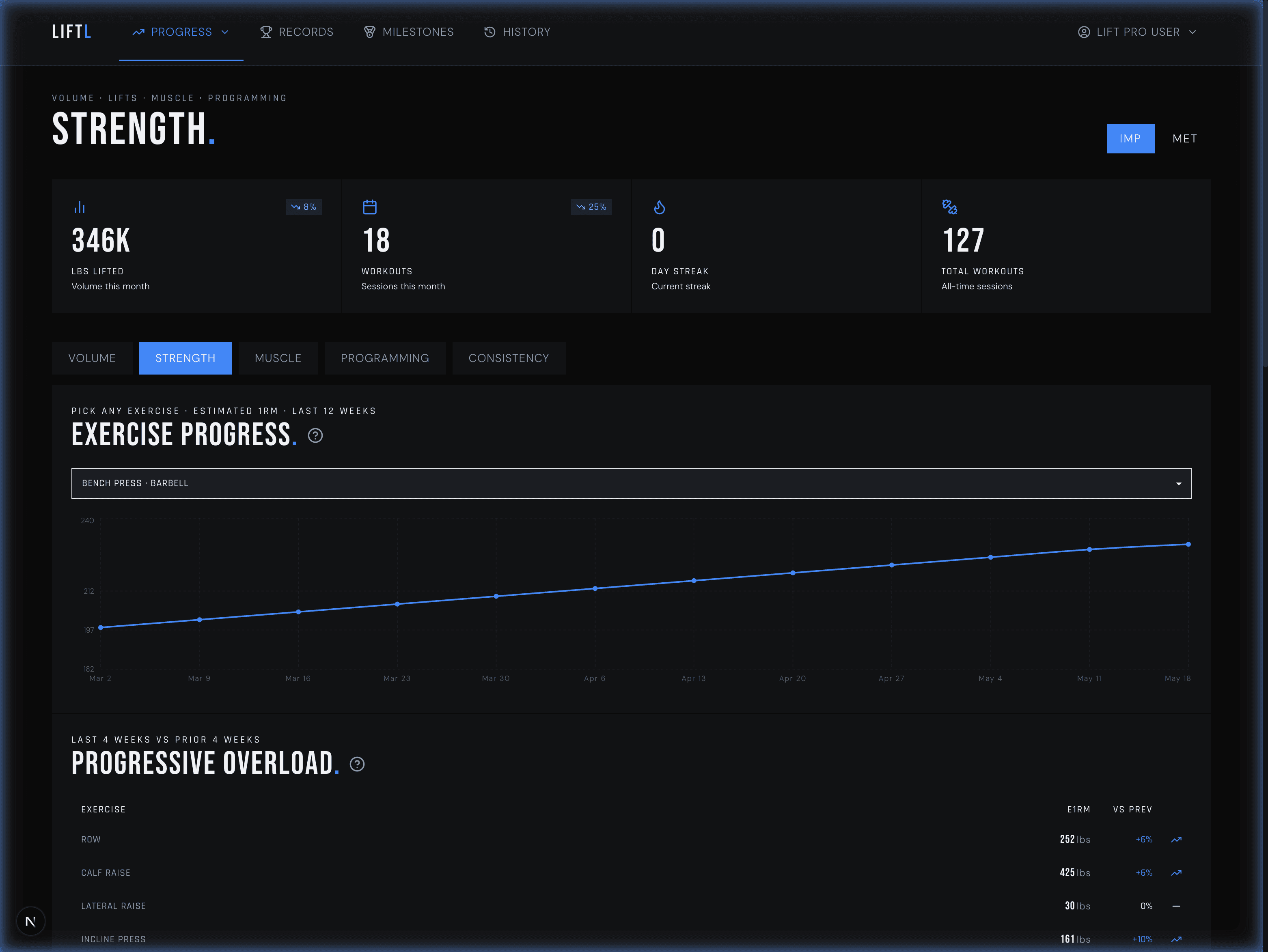
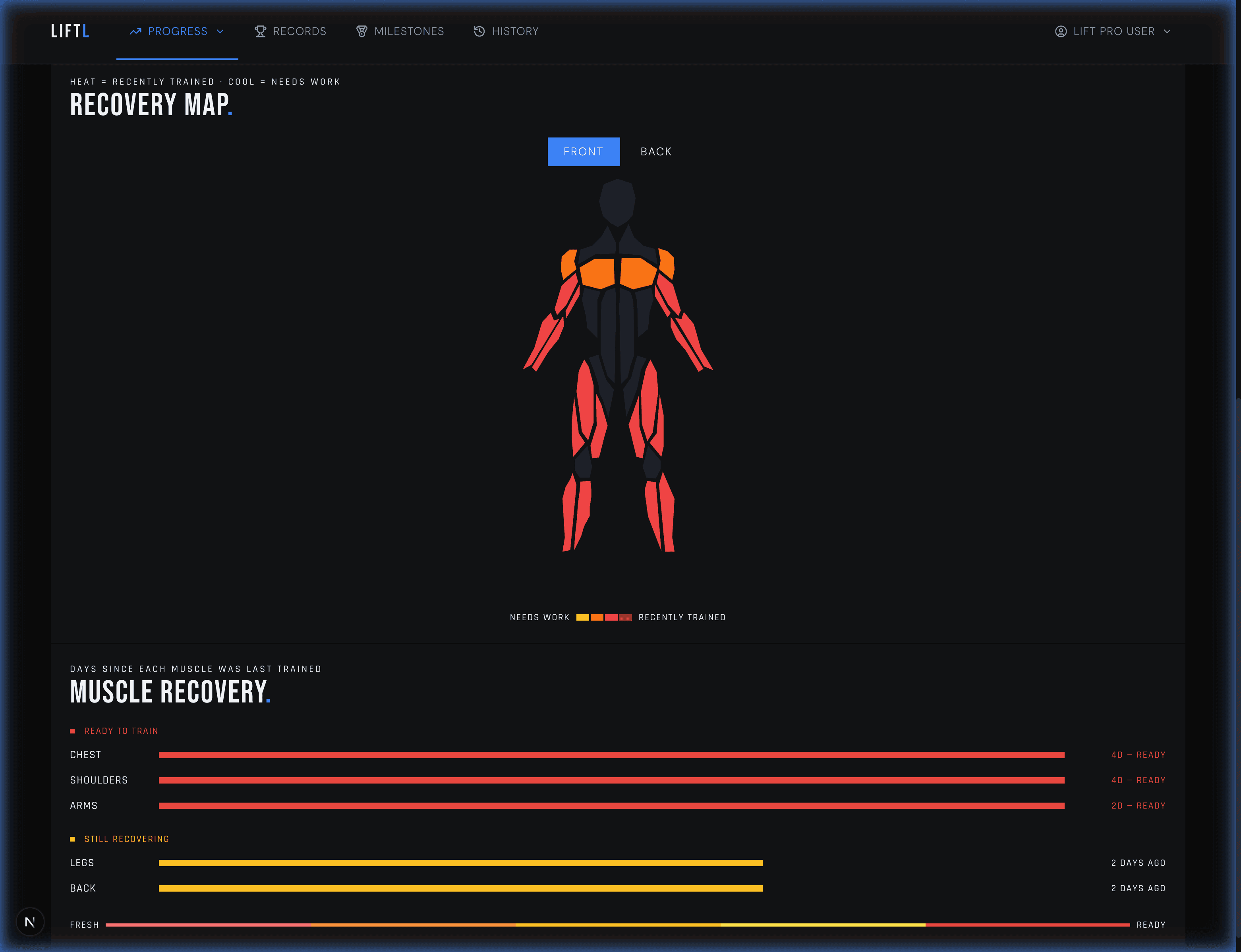
Every set contributes to personal records, estimated one-rep-max trends, weekly volume, muscle heatmaps, and workload views. The mobile app handles logging; the companion web portal gives you more room to study the result.
Moving beyond Apple Notes
Notes is quick and never tries to program your workout. LIFTL preserves that self-directed approach while making previous numbers, timers, personal records, and long-term trends available without manual lookup.
| During training | Apple Notes | LIFTL |
|---|---|---|
| Record weights and reps | Manual text | Structured sets |
| Find previous numbers | Manual lookup | Shown in context |
| Time rest periods | Separate timer | Automatic after a set |
| Repeat a workout | Copy manually | Saved templates |
| Review long-term trends | Build manually | Calculated from history |
Why LIFTL exists
Built by Parker, a Software Engineer by trade. When he couldn't find an app that helped him in the gym, he built his own: LIFTL.
Frequently asked questions
LIFTL keeps set entry inside the active workout, shows previous-workout numbers while you train, and can start the rest timer automatically after each set.
Yes. LIFTL shows previous-workout context during training so you do not have to search through old sessions or notes between sets.
Yes. When enabled, the rest timer starts automatically after a logged set. A global default applies to each workout, and you can override it for the workout in progress.
Yes. LIFTL supports saved workout templates and Quick Start sessions.
Yes. LIFTL is available for iPhone through the App Store and Android through Google Play.
Looking for account, billing, import, or analytics details? Browse the complete LIFTL FAQ.
Free to install
Start with the free version. Your device's store shows the current Pro price and any available trial before purchase.
Get LIFTL