Saved workout
Start with the plan
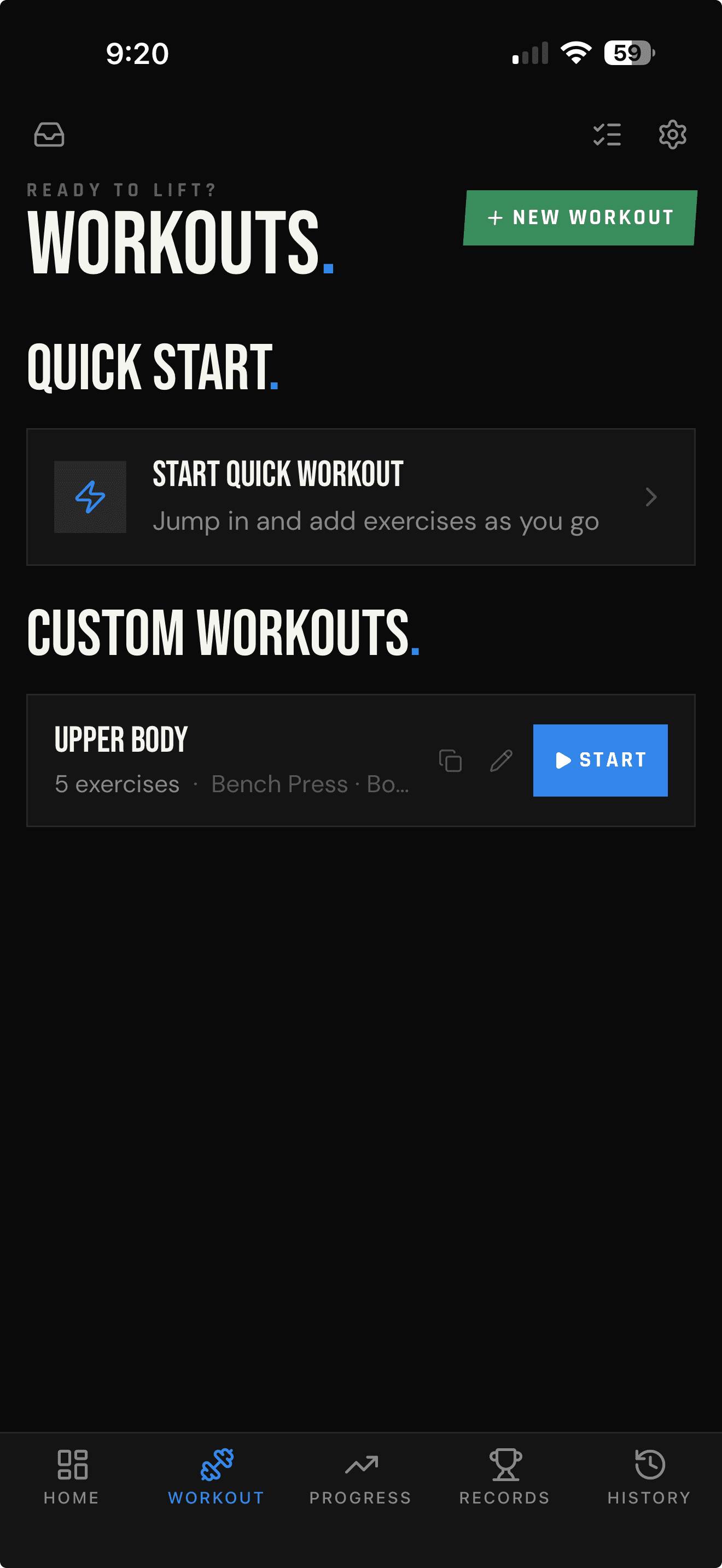
Choose a named custom workout and begin with its exercise lineup already in place.
Templates and Quick Start
Start with a saved workout when the plan is set. Use Quick Start when it is not. LIFTL gives both paths the same focused logging workflow, so an unplanned session does not become an unstructured record.
Product facts reviewed
Two ways into the workout
Saved workout
Choose a named custom workout and begin with its exercise lineup already in place.
Quick Start
Open an empty workout, add the first exercise, and let the session take shape on the gym floor.
Reusable without being rigid
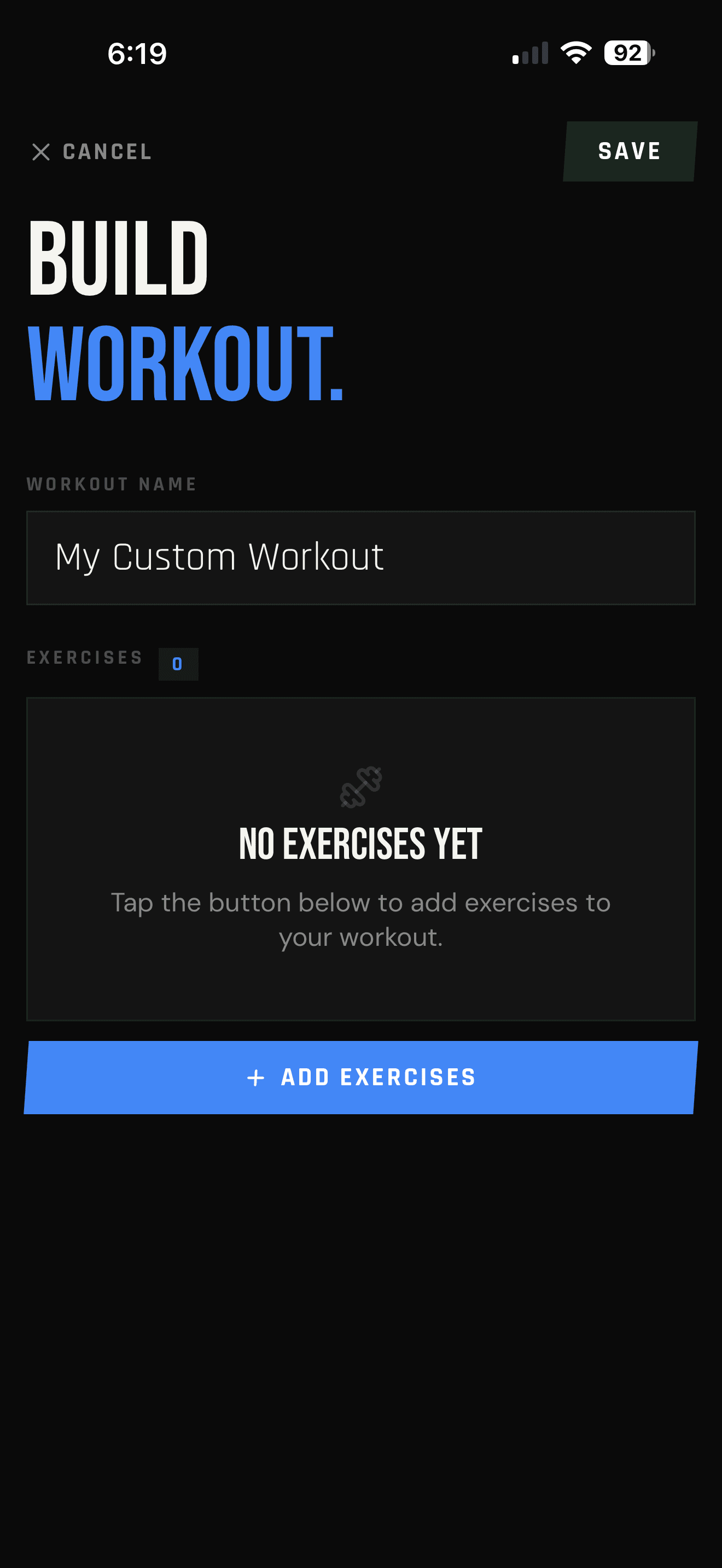
A custom workout keeps its name and exercise lineup ready for the next time you train it. Start it from your workouts list instead of rebuilding the session from memory.
Once the workout begins, it uses the same active logging tools as Quick Start—including previous and best numbers and the automatic rest timer.
Quick does not mean disposable
Quick Start opens without exercises and waits to start the workout timer until you add the first one. After completing a Quick Workout with at least one exercise, name it and save it as a reusable workout.
A new machine is not a problem
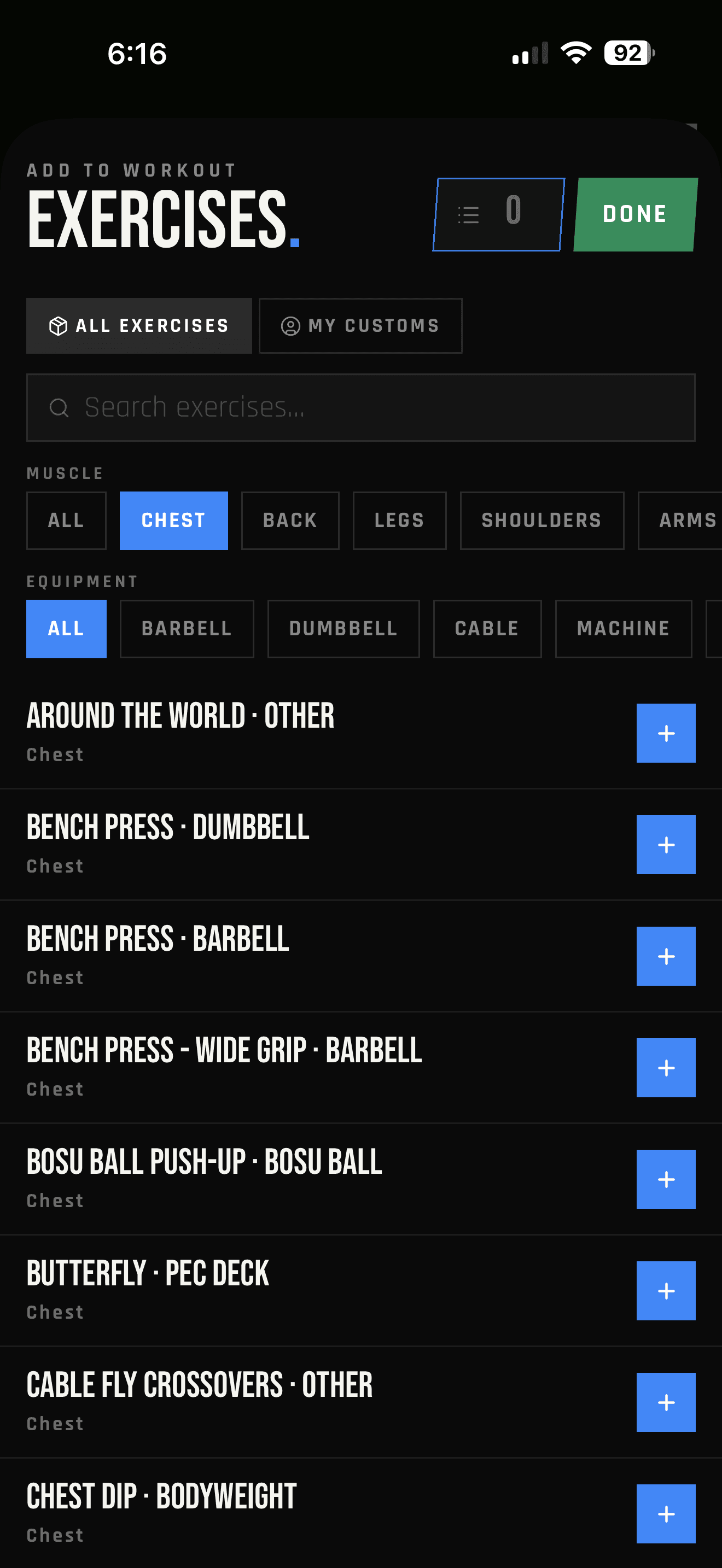
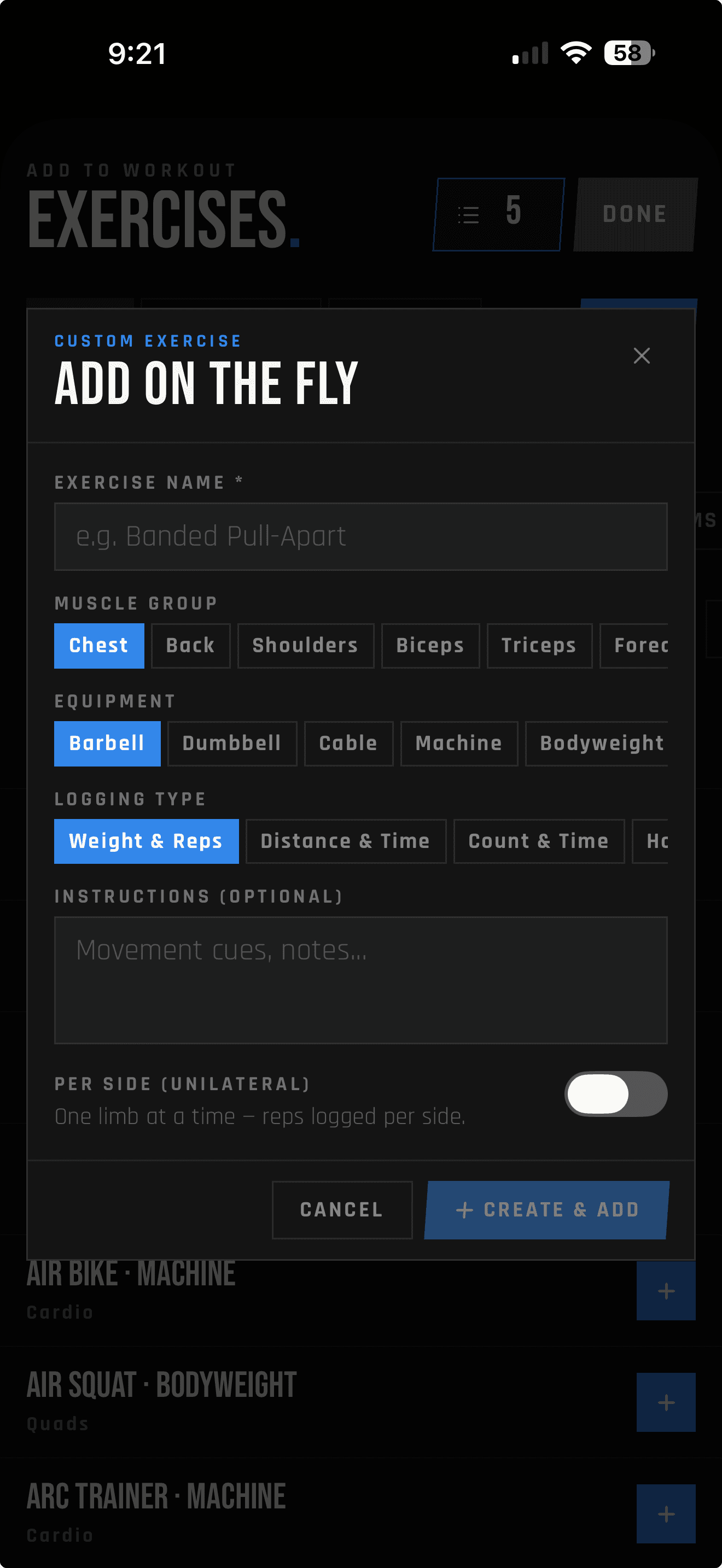
You have already started the workout, then spot a machine you have never used before. Open Add Exercise, tap New, and create the movement without abandoning the session.
Give it a name, choose its muscle group, equipment, and logging type, then add optional instructions or mark it as unilateral. Create & Add puts the new exercise directly into the current workout.
LIFTL Free
Save up to three user-created workouts. Quick Start remains available when you want to train without using a saved template.
LIFTL Pro
Pro removes the three-workout limit for lifters with larger rotations or more training variations.
Your device's store shows the current Pro price before purchase.
Frequently asked questions
When your workout library is empty, Add Starter Workouts creates a Push, Pull, Legs, and Core pack you can edit. Starter and received shared workouts do not count toward the Free allowance of three custom templates.
Quick Start opens an empty Quick Workout so you can add exercises as you go instead of choosing or building a workout first.
The workout timer waits until you add the first exercise, so opening Quick Start does not start an empty session before you are ready.
Yes. After completing a Quick Workout with at least one exercise, you can give it a name and save it to your workouts list for later use.
Free accounts can save up to three user-created custom workouts. LIFTL Pro unlocks unlimited saved workout templates.
Yes. Create a named custom workout, add its exercises, and save it so the exercise lineup is ready to start when you train.
Yes. From Add Exercise, tap New to define a custom exercise and add it directly to the current session. This flow does not require Pro.
Yes. Both workflows are available in the LIFTL mobile app for iPhone and Android.
See the complete fast lifting-log workflow or browse the full LIFTL FAQ.
Planned or spontaneous
Install LIFTL free on iPhone or Android and choose the path that fits today's training.
Get LIFTL