Portable format
The portal returns a downloadable .csv file instead of a LIFTL-only document.
Data export and ownership
Pro members can download supported workout and set fields as a normal CSV—usable outside LIFTL. Account deletion is available separately when you want the LIFTL copy removed.
Product facts reviewed
| Date | Workout | Duration (min) | Exercise | Muscle Group | Equipment | Set | Reps | Weight (lbs) | Warmup | PR |
|---|---|---|---|---|---|---|---|---|---|---|
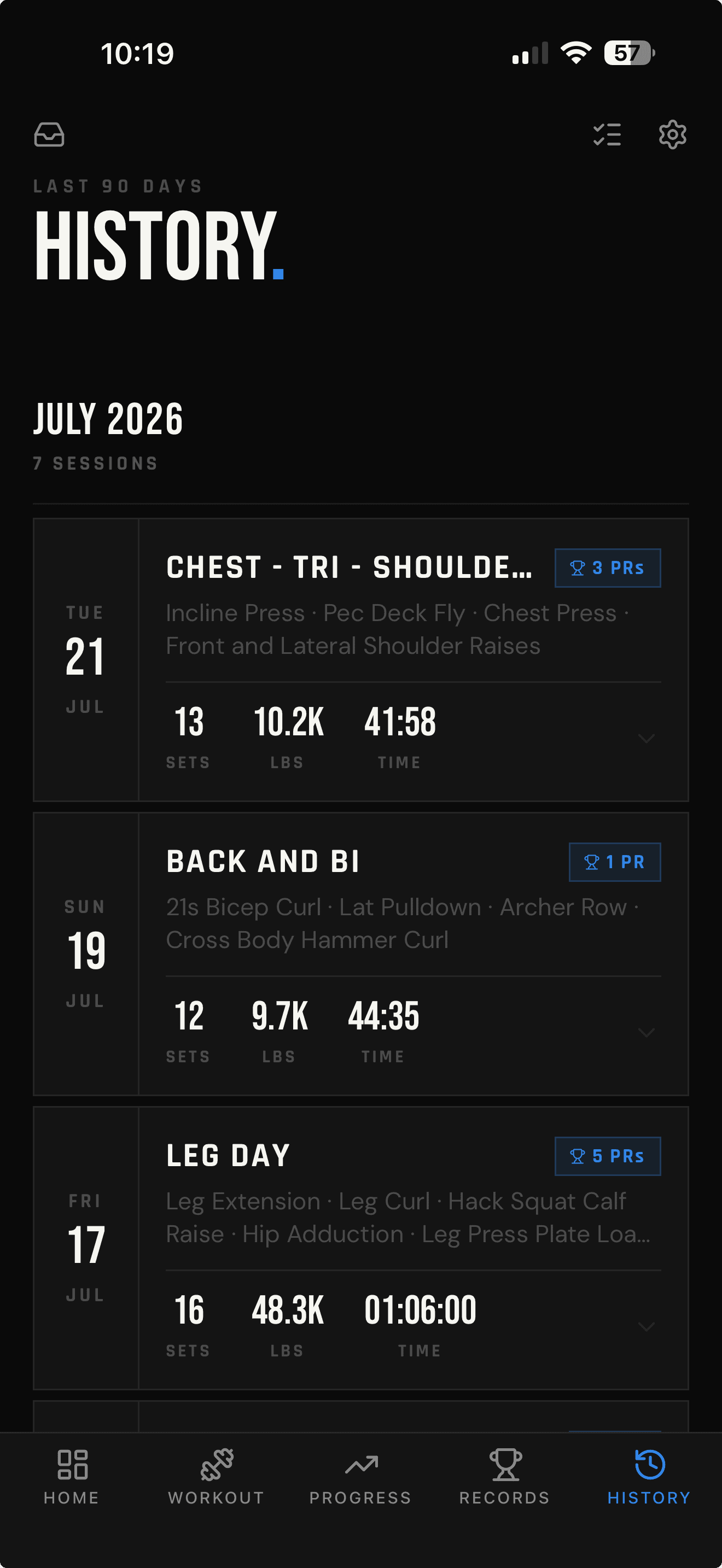
| 2026-07-21 | Chest - Tri - Shoulders | 42 | Incline Press | Chest | Barbell | 1 | 8 | 185 | No | Yes |
| 2026-07-21 | Chest - Tri - Shoulders | 42 | Incline Press | Chest | Barbell | 2 | 8 | 185 | No | No |
| 2026-07-19 | Back and Bi | 45 | Lat Pulldown | Back | Cable | W | 12 | 70 | Yes | No |
Illustrative rows using the exact current export columns.
Import and export are Pro features.
Hevy/Strong CSV import and LIFTL CSV export require an active Pro membership. Account deletion does not.
The portal returns a downloadable .csv file instead of a LIFTL-only document.
Open it in Excel, Google Sheets, Numbers, or another CSV-compatible tool.
Use the separate portal flow when you want to permanently delete the LIFTL account.
Exact current coverage
Each logged set becomes a row. These are the fields the current production route selects and writes—not a wishlist for a future archive format.
Calendar date of the workout
Saved workout name or Quick Start
Completed session duration, rounded to minutes
Exercise name attached to the set
Primary muscle-group label
Equipment label
Set number, or W for a warmup set
Logged repetition count
Stored weight value in the current export format
Yes or No
Whether the set is marked as a personal record
A useful export, not a total account dump
The current CSV is centered on strength-workout sets. It does not currently include notes, distance, pace, hold time, per-exercise rest settings, watch metrics, health-platform records, or every internal account field.
That means the file is useful for spreadsheets and common strength analysis, but it should not be represented as a complete backup of everything connected to the account.
See LIFTL versus spreadsheetsExport and deletion are different controls
01 · Export first
Export is a Pro portal feature. Save the file somewhere you control before starting permanent deletion.
02 · Cancel billing
Deleting a LIFTL account does not cancel App Store or Google Play billing. Cancel with the store account used to subscribe.
03 · Delete the account
The action is permanent. LIFTL’s Privacy Policy states that associated data is removed from its systems within 30 days.
Deleting LIFTL does not reach into Apple Health or Health Connect to remove workouts already written there. Those platform-controlled copies may need separate deletion.
The CSV describes workout-data portability. Storage, service providers, retention, and regional rights are documented separately in the current Privacy Policy.
Read the Privacy PolicyData FAQ
Yes. Importing supported Hevy or Strong CSV files and exporting the currently supported LIFTL workout fields both require an active Pro membership. Account deletion does not require Pro.
Yes. An active Pro member can sign in to the LIFTL web portal and download the currently supported workout and set fields as a CSV file.
The current export includes workout date and name, session duration in minutes, exercise name, muscle group, equipment, set number, reps, weight in pounds, warmup status, and PR status. Each exported set is one CSV row.
The current CSV does not include notes, distance, pace, hold time, per-exercise rest settings, watch metrics, health-platform records, or every internal account field. It should not be described as a complete account archive.
Yes. CSV files can be opened in Excel, Google Sheets, Numbers, or another compatible analysis tool. LIFTL does not impose a proprietary spreadsheet format.
Yes. The web portal provides a permanent Delete Account flow. LIFTL’s Privacy Policy states that associated account data is permanently removed from its systems within 30 days. Export anything you want to keep before deleting the account.
No. Account deletion and store billing are separate. Cancel through App Store subscriptions or Google Play subscriptions before deleting the LIFTL account.
No. Copies already written to Apple Health or Health Connect are controlled by those platforms and may need to be deleted separately there.
Use the data outside LIFTL
Sign in to the Pro portal to download the currently supported workout and set fields as CSV.
Open the portal