Starts from the phone
Begin the workout in LIFTL and the enabled watch companion joins the active session automatically.
Apple Watch + Wear OS
LIFTL keeps logging where it is fastest—on your phone—while your paired watch handles live effort, workout state, and the automatic rest countdown.
Product facts reviewed
Heart Rate
Heart rate owns the screen with a live trace behind it, an effort-zone stack instead of rings, and calories and time along the bottom.
Finish and the numbers report back — total time, average heart rate, calories — then confirm the session is already saved.
Ending takes a deliberate press-and-hold that floods the button red before it commits, so a sweaty tap never cuts a set short.
Less phone watching
Begin the workout in LIFTL and the enabled watch companion joins the active session automatically.
See heart rate, calories, elapsed time, and the current workout state without keeping the phone open.
The active rest countdown appears on the watch, even if you navigate to another app on your phone.
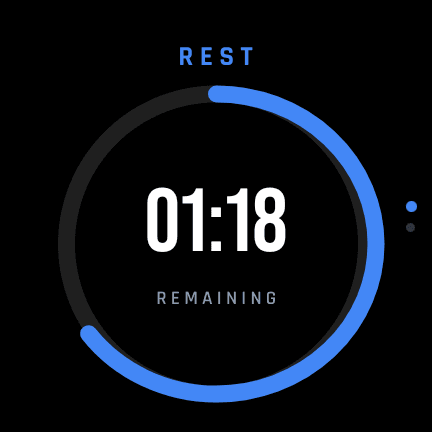
Apple Watch and Wear OS
When a rest period starts on the phone, the countdown appears automatically on the paired watch. Check a message, change music, or open another app—the rest timer remains visible on your wrist.
Both watch platforms also recover the active session after a temporary disconnect. Set, rep, and weight entry deliberately remain on the phone.
See the automatic rest timerOptional completed-workout sync
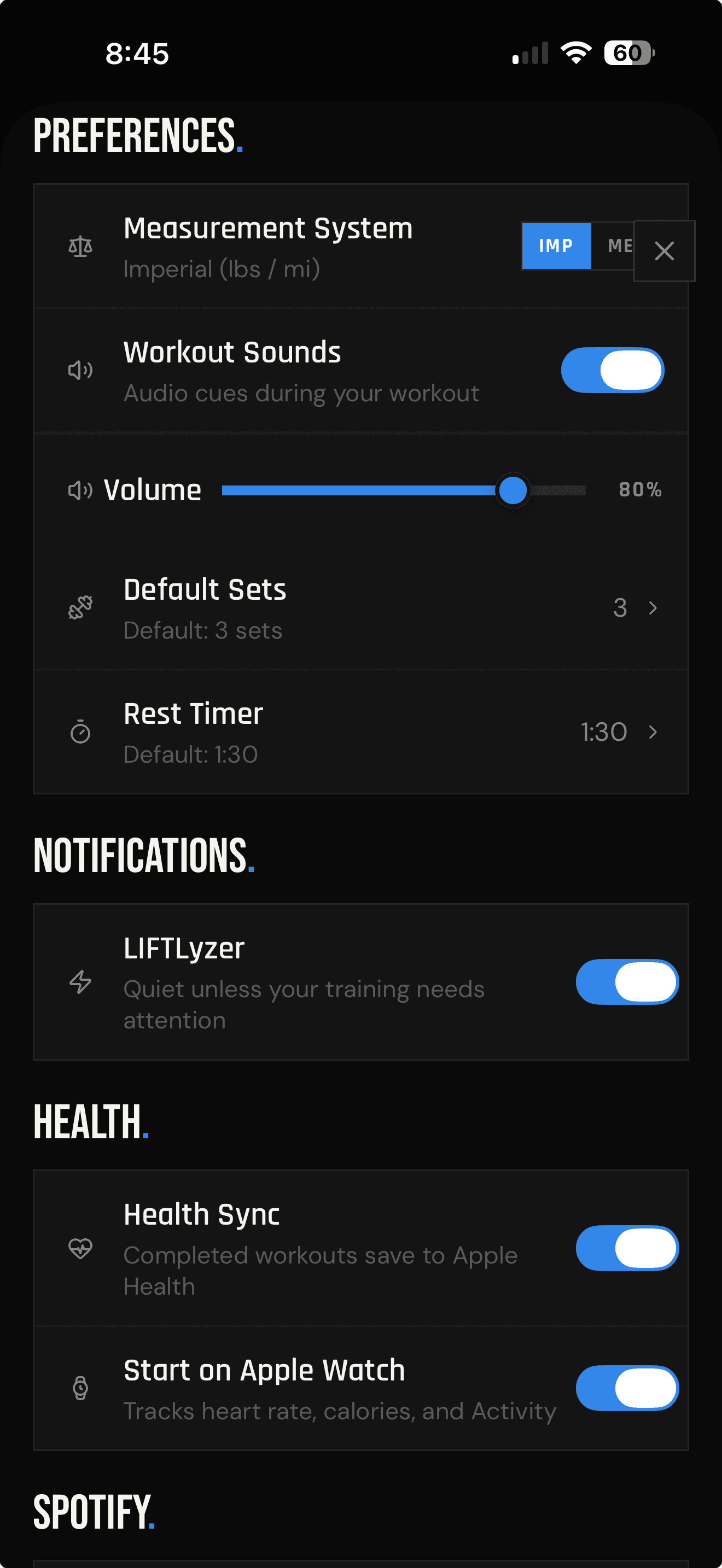
Pro members can turn on Health Sync to save completed LIFTL sessions to Apple Health on iPhone or Health Connect on Android. The sync includes session timing, the selected health activity type, and available workout context—not every individual set and rep.
Completed sessions go to the health platform built into your phone ecosystem.
LIFTL does not read your Apple Health or Health Connect history for Health Sync.
Clear boundaries
Live metrics, elapsed time, workout state, controls, and rest timing. Set logging stays on the phone.
A completed workout session with timing, activity type, and supported context. Set-by-set detail stays in LIFTL.
Nothing from your historical Apple Health or Health Connect records. Health Sync writes completed sessions only.
Watch and health FAQ
Yes. LIFTL supports live workout sessions on a paired Apple Watch or Wear OS watch. Start the workout on your phone and the watch session starts automatically when watch tracking is enabled.
Apple Watch and Wear OS show live workout context including heart rate, calories, elapsed time, pause and resume states, and the active rest countdown. Apple Watch also shows effort zones and a completion summary.
No. Set logging stays on the phone. The watch is designed for live effort metrics, workout controls, and rest timing at a glance.
Yes. Pro members can optionally save completed workouts to Apple Health on iPhone or Health Connect on Android.
No. Health Sync is write-only. LIFTL saves completed workout sessions to the selected health platform but does not read your historical health data.
No. Health Sync sends the completed session timing, selected activity type, and available workout context. Detailed set-by-set reps stay in LIFTL.
Phone, wrist, health record
Log quickly on the phone, follow the live session on your watch, and optionally save the completed workout to your health platform.
Install LIFTL Free